
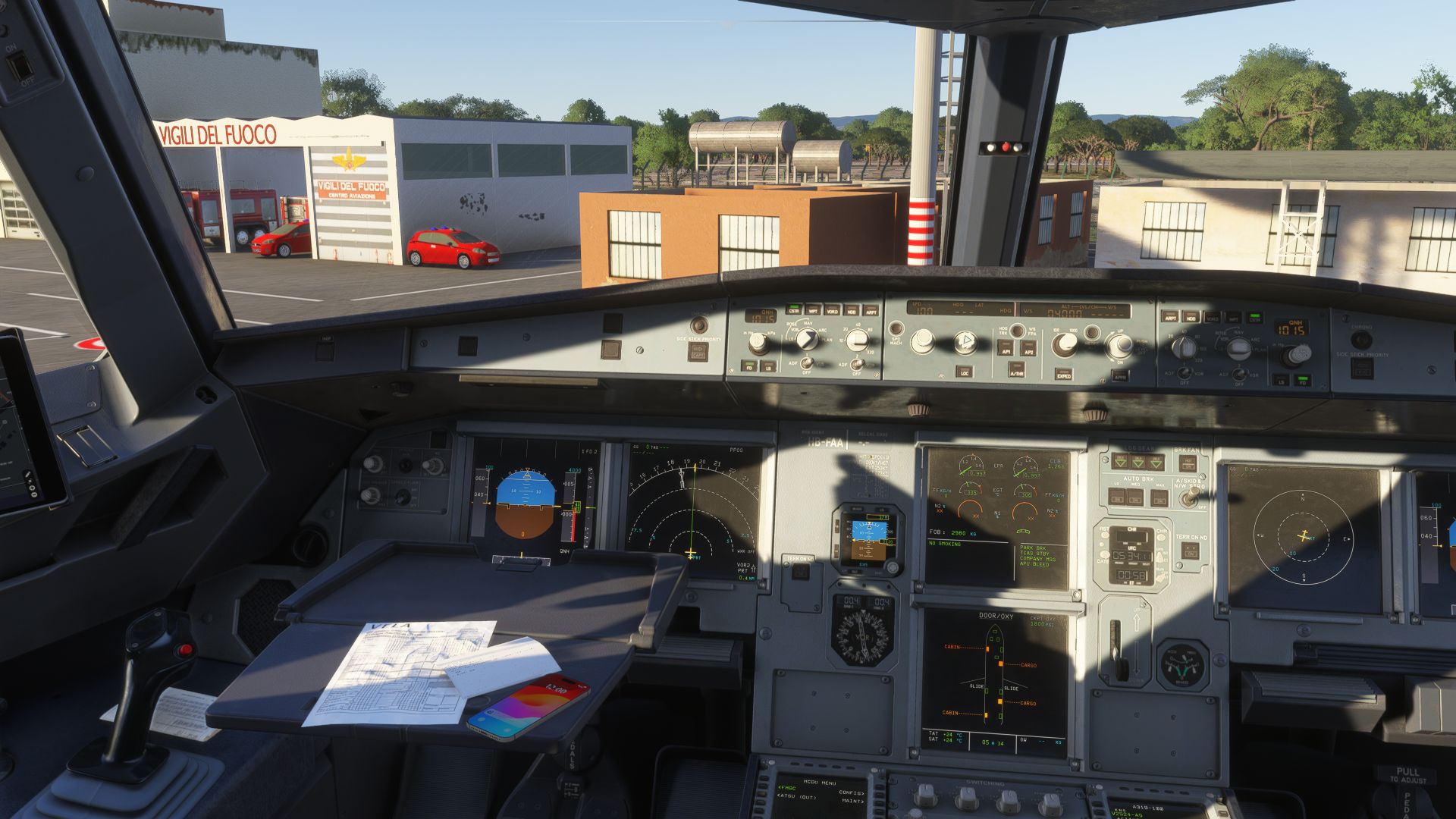
Crew platform
Not a route board. An airline.
Ten apps and tools, one crew login and one database behind them: everything a VELA pilot works with, from the published roster to the closed flight.
Why VELA
What sets VELA apart
Most virtual airlines give their pilots a list of routes and a form to report a flight. VELA gives them the tools of an airline, and connects them.
- 01
One platform, not a patchwork
Roster, dispatch, flight bag, tracking, tech log and logbook share one database. A delay you report reaches operations, a flight you close reaches your logbook and the fuel planning.
- 02
Built in-house
The apps on this page are developed by VELA itself: native on iPad, iPhone, Android and Windows, all signed in with the same crew account.
- 03
A roster, not a route board
You fly monthly lines built from real pairings under duty and rest rules, with bids, open trips and check-in, the way an airline plans its crews.
- 04
Every flight is dispatched
A preliminary flight plan for every leg, with fuel planned from distance, weights and winds, and calibrated against the fuel the crews actually burned.
- 05
Aircraft with a history
Each tail flies its own schedule, collects hours and cycles and carries its defects from one crew to the next.
- 06
Standards you can learn
Training modules from the first flight to the type courses, written from the manufacturer’s manuals, with exams and a training record.
Electronic flight bag
vIFM: the flight bag that knows your flight
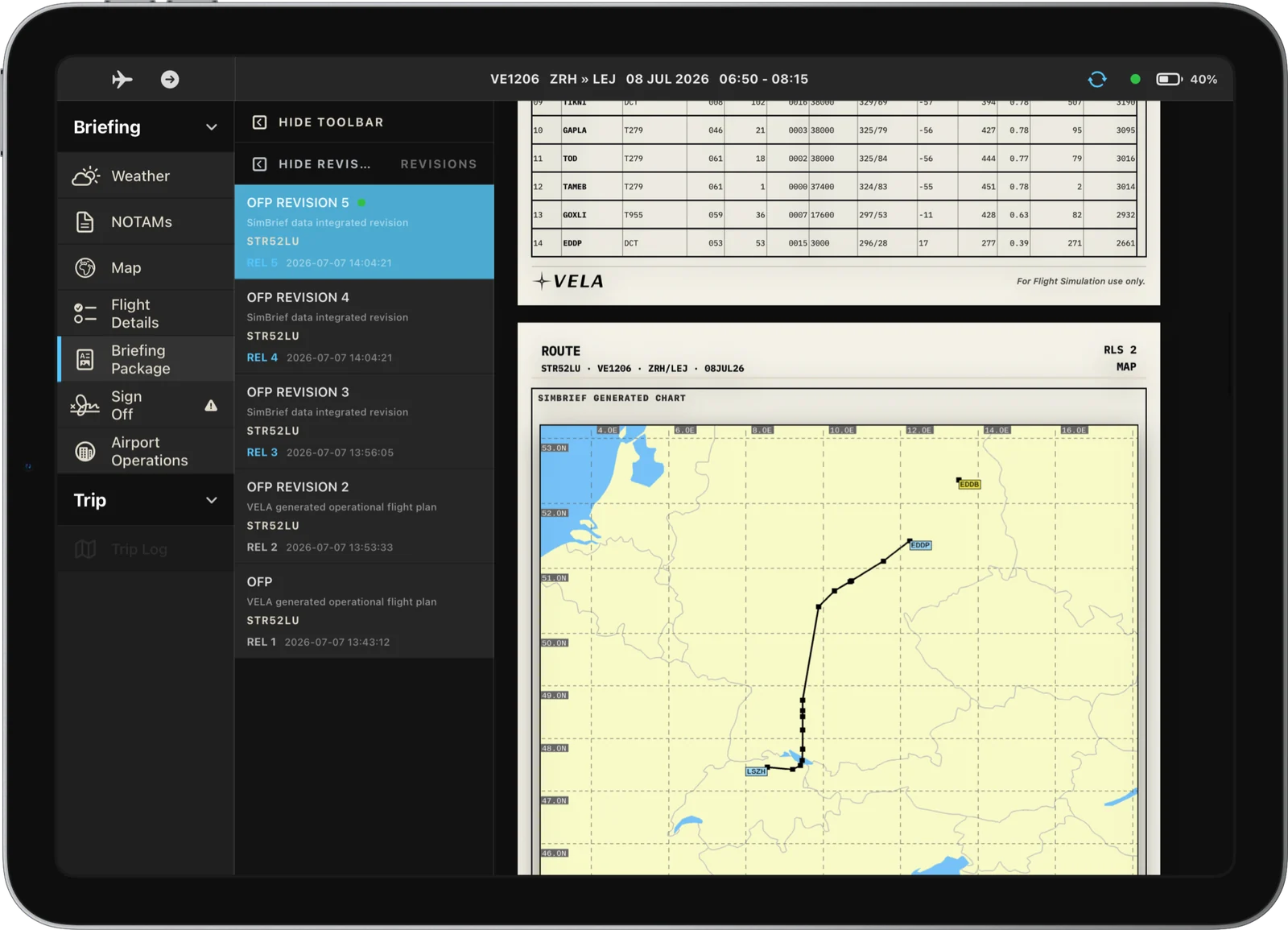
vIFM is the electronic flight bag VELA built for its crews, modelled on the flight-management tablets of real airlines. It knows which flights you are rostered on and brings their complete briefing to the flight deck: the operational flight plan from dispatch, the navigation log, weather, NOTAMs and the operating notes for every airport on the way.
- Your flights, synced
- Operational flight plan
- Navlog and fuel ladder
- Weather and NOTAMs
- Airport operations board
- Live map and vertical profile
Crew portal
Crew Access: your airline behind one login
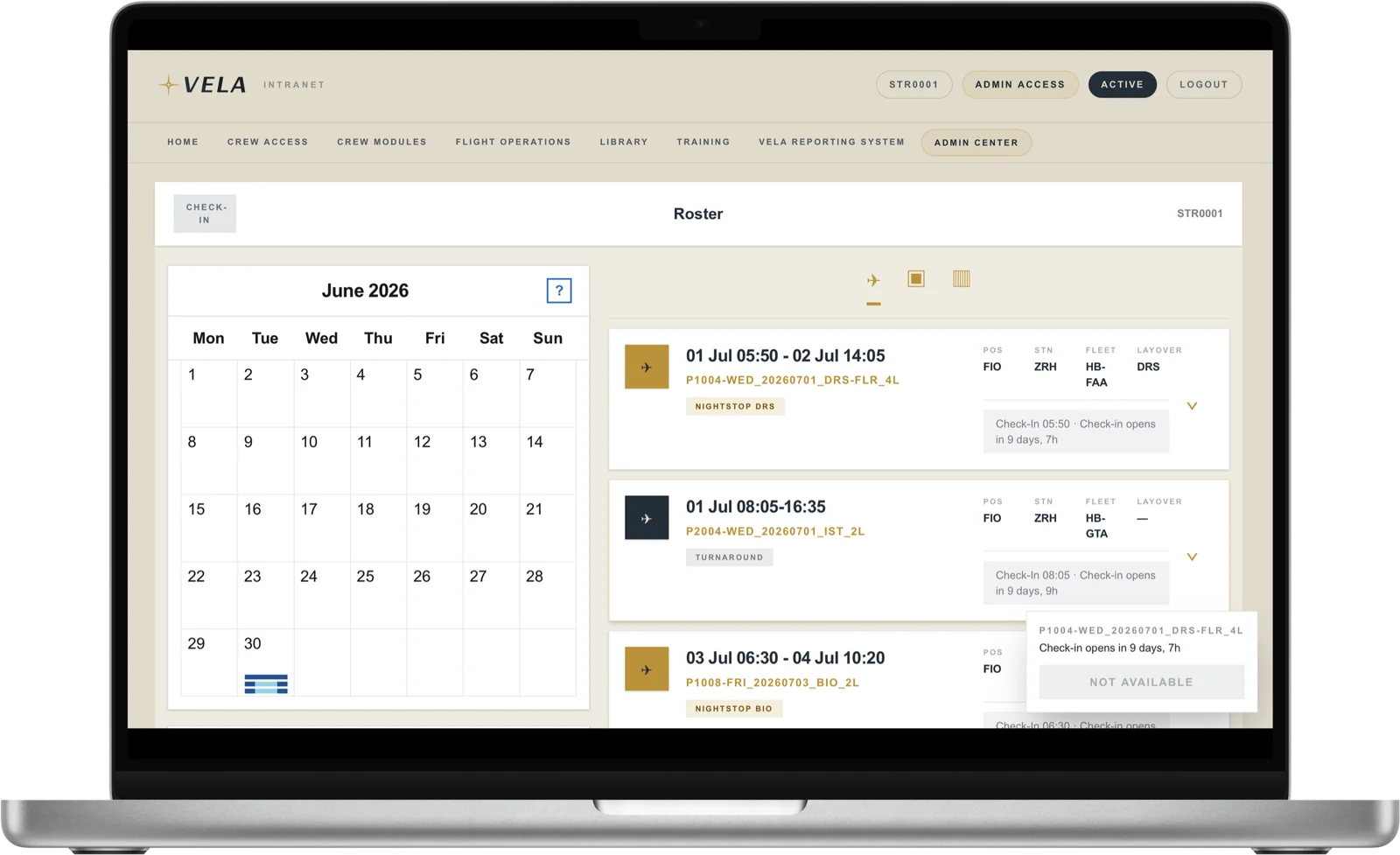
Crew Access is the crew side of the VELA platform. Your monthly roster lives here, built from real pairings that start and end in Zurich, together with everything that changes it: bids, requests, open trips you pick up, delays and the changes planning makes after publication.
- Roster and assigned flights
- Check-in for every duty
- Roster changes you acknowledge
- Bidding and roster requests
- Open trips
- Where is my aircraft?
One flight, end to end
From the roster to the closed flight
Every station of a duty has its tool, and every tool hands over to the next.
- 01
The roster
Your month is published from real pairings. Bid for what you want, pick up open trips when you have time.
- 02
Check-in
A reminder on your phone, check-in for the duty, the aircraft’s position and stand on the status board.
- 03
Briefing
Dispatch has prepared the flight plan. Weather, NOTAMs, airport notes and fuel are waiting in vIFM.
- 04
Before departure
Takeoff figures for the runway of the day, charts for departure, destination and alternate.
- 05
In flight
The ACARS tracker reports your position; you follow the flight on the map and the airport moving map.
- 06
After the flight
Times and fuel close the flight, a defect goes into the tech log, the next crew finds the aircraft as you left it.
 VELA Roster
 vIFM
 simOLB
 VELA TakeOff
 VELA Charts
 MAVIS
The apps
Ten apps and tools for the crew
Every crew member gets all of them. The iPad and iPhone apps are distributed through Apple TestFlight, the Windows tools and Android app from the Content Hub in Crew Access.
Your roster and crew life
Duty plan, bids, check-in and everything around the job, in the browser and on your phone.
On the flight deck
Briefing, charts, performance and manuals on the iPad beside your yoke.
vIFM
Briefing, OFP, weather, NOTAMs, fuel and the live map for every rostered flight: VELA’s own EFB for the iPad.
- iPad
VELA Charts
Ground, departure, arrival and approach charts for every VELA airport, with an airport moving map that shows your own aircraft.
- iPad
VELA TakeOff
Runway- and weight-based takeoff calculations for the fleet, with engine-out procedures and acceleration altitudes for every VELA airport.
- iPad
simOLB
VELA’s rules, procedures and reference documents in an onboard library for the iPad, downloadable for offline use.
- iPad
Your simulator
Live tracking and the official liveries, kept up to date for you.
VELA ACARS Tracker
Streams your live flight from the simulator to vIFM, VELA Charts and operations, for Microsoft Flight Simulator and X-Plane.
- Windows
VELA Content Hub
Installs and updates the official VELA liveries with one click, next to the cabin announcement pack, SimBrief airframes and your personal EFB background.
- Windows
- Web
Cabin and engineering
The other side of the operation, open to every crew member.

vOPS
The purser’s tablet: schedule, flight figures, crew, passenger manifest, seat map and destination briefings for every flight.
- iPad
MAVIS
The technical record of every VELA aircraft: status, tech log, deferred defects and utilisation, and the place where pilots report a defect.
- iPad
Behind the apps
An operation that runs while you fly
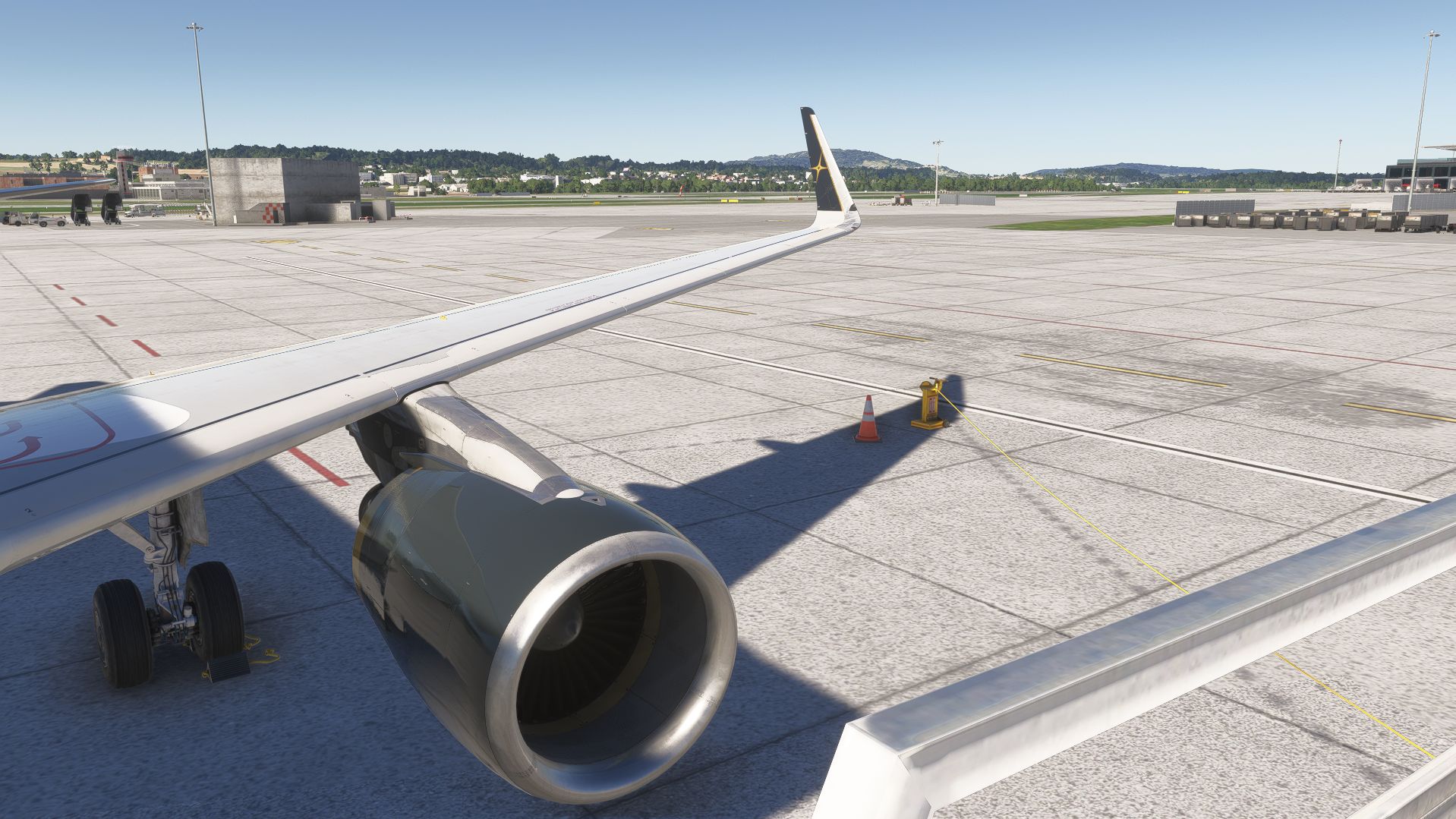
The apps are the visible part. Behind them, VELA runs the services an airline needs to put a flight in the air.
- Dispatch
- Preliminary flight plans for the schedule, prepared automatically ahead of departure and released by VELA dispatch.
- VELA OPS on datalink
- An operations desk that answers your telex over the Hoppie ACARS network: questions about stands, ETAs or the airport.
- Crew planning
- Rosters generated against duty and rest rules, bids and qualifications, and a crew control that covers sickness and delays with standby.
- A living fleet
- Aircraft positions, turnarounds and delays follow the schedule, and overnight maintenance clears defects before the next morning.
Fly with these tools
All of it comes with the job
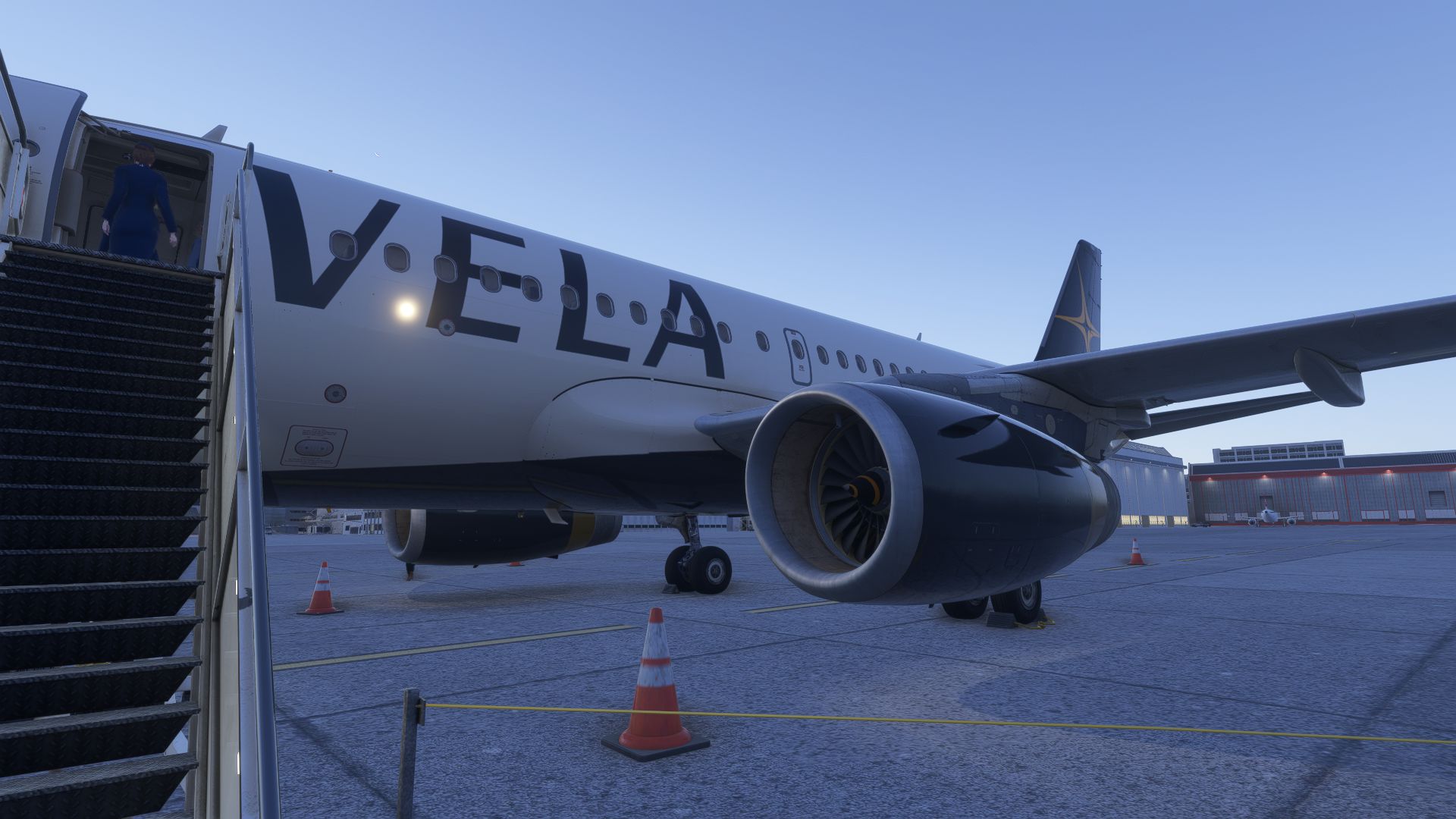
Every pilot who joins VELA gets the whole platform from the first day. Bring a study-level A320 and the will to fly it properly. We bring the airline around it.
For VELA crew
The apps are made for VELA’s own crews and are available after you join. The iPad and iPhone apps run as beta versions in Apple TestFlight. VELA is a virtual airline for flight simulation; the tools are not certified for real-world flight operations.