
Electronic flight bag
vIFM
The flight bag that knows your flight. Briefing, OFP, weather, NOTAMs, fuel and the live map for every rostered flight: VELA’s own EFB for the iPad.
- iPad

About vIFM
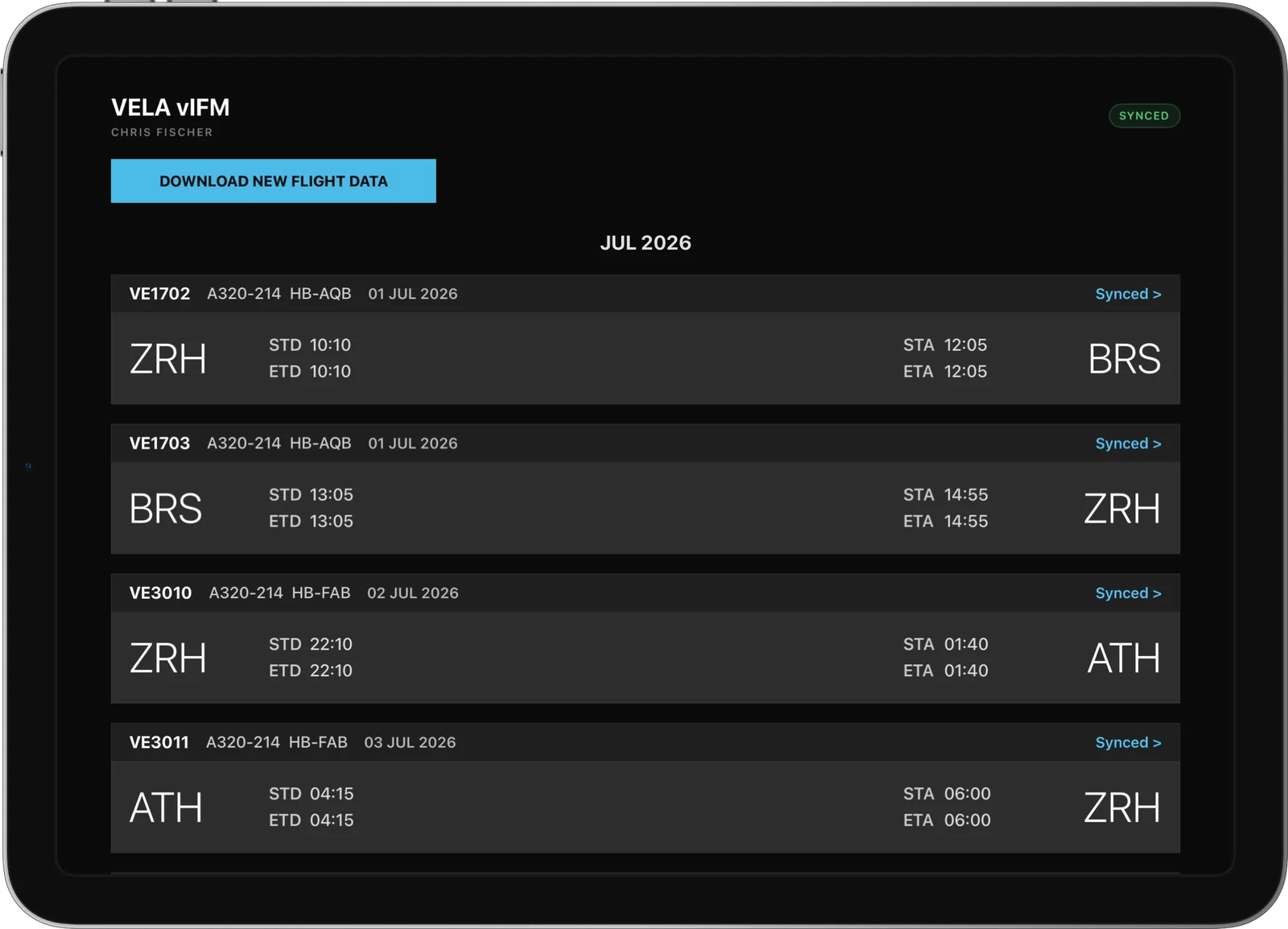
vIFM is the electronic flight bag VELA built for its crews, modelled on the flight-management tablets of real airlines. It knows which flights you are rostered on and brings their complete briefing to the flight deck: the operational flight plan from dispatch, the navigation log, weather, NOTAMs and the operating notes for every airport on the way.
During the flight it follows you on the map with your live position from the ACARS tracker, and after shutdown it closes the flight: block times, fuel and remarks go into your logbook and back to dispatch, where they improve the fuel planning of the next flights.
What it does
What vIFM does for you
- 01
Your flights, synced
The flights of your roster appear in vIFM with times, aircraft and status; one tap downloads the complete flight data for the day.
- 02
Operational flight plan
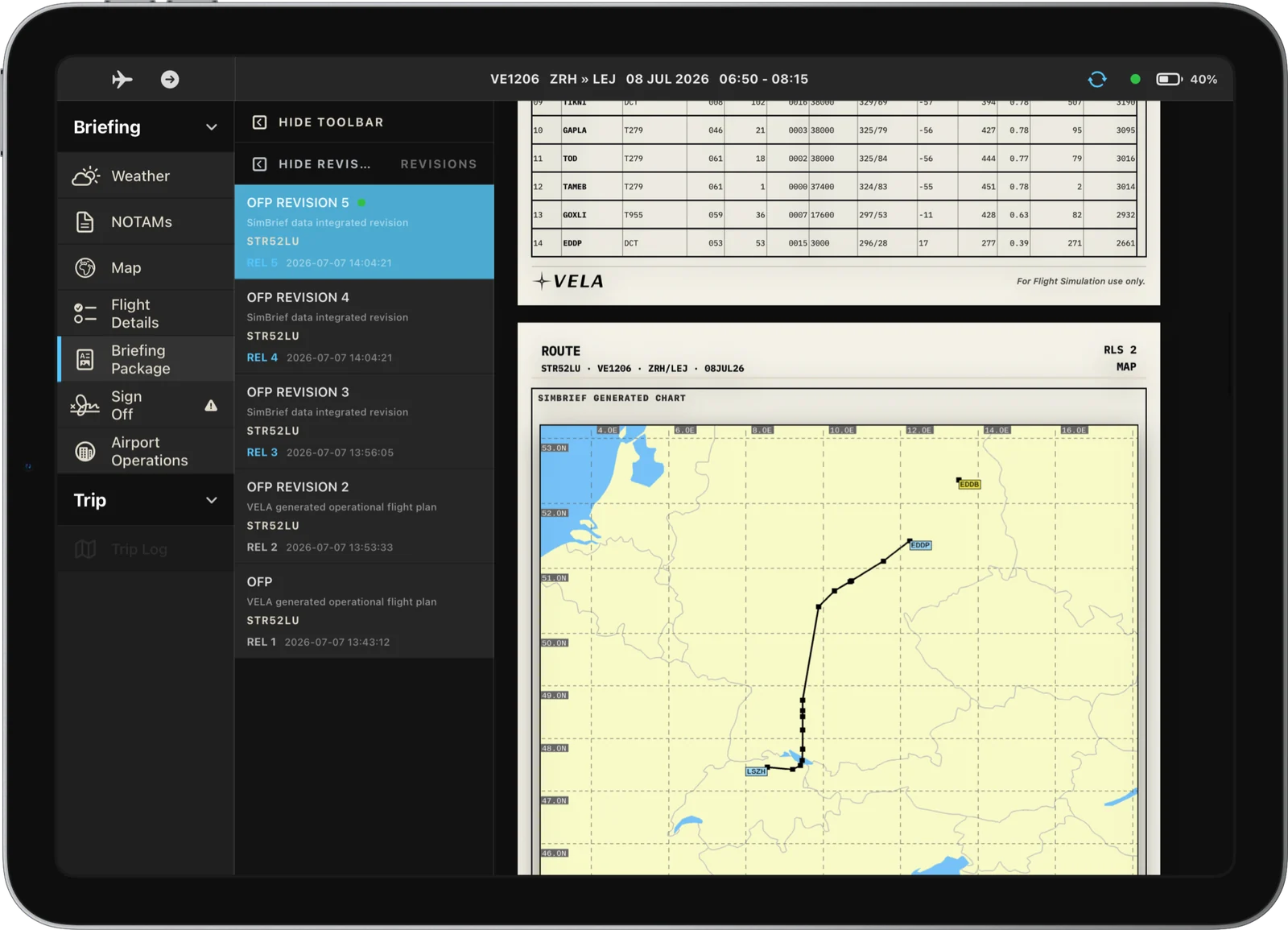
The preliminary OFP that VELA dispatch prepares for every flight, and your SimBrief plan, side by side as company documents.
- 03
Navlog and fuel ladder
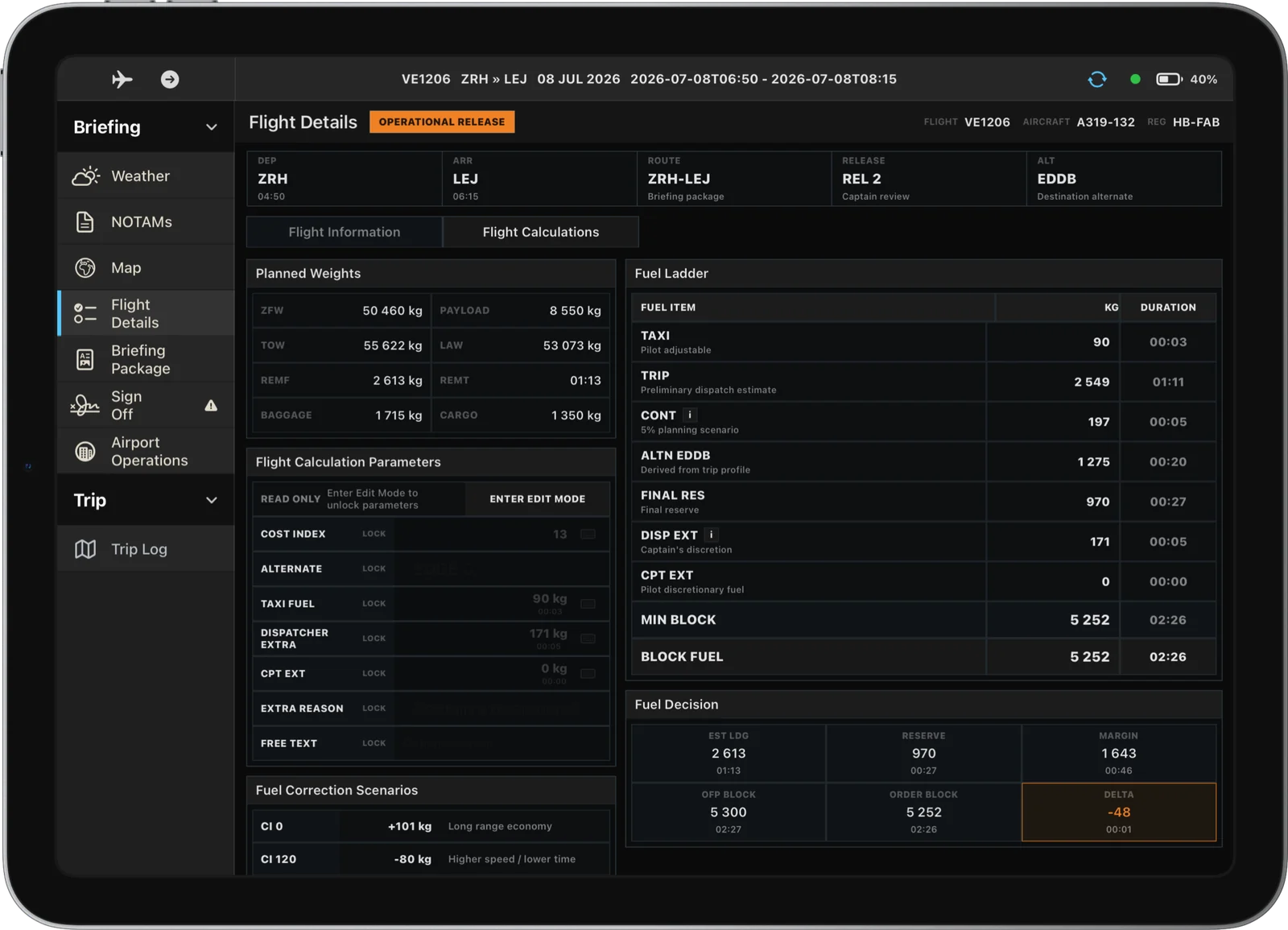
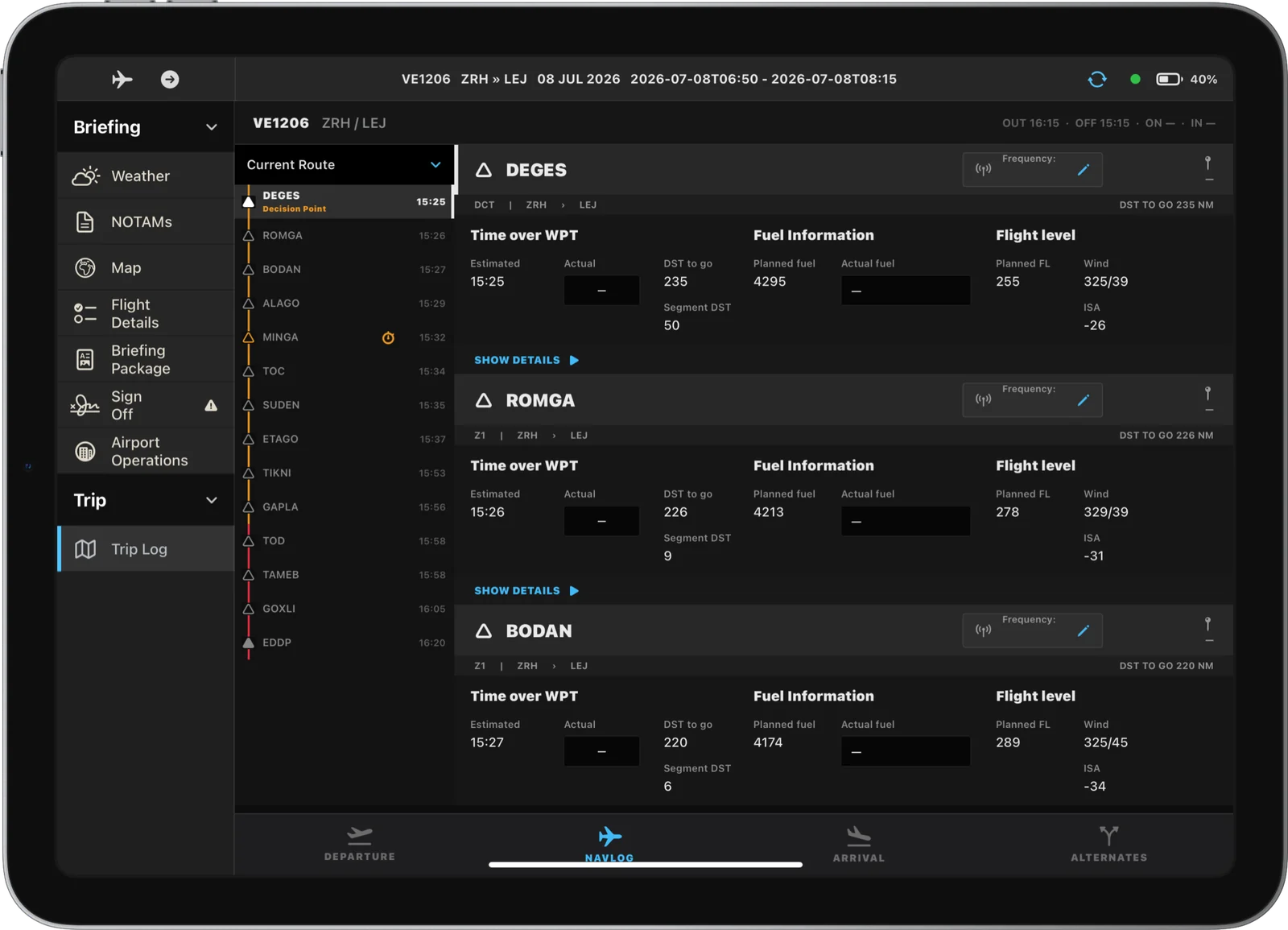
Waypoint by waypoint with times, fuel and levels, and a fuel ladder that shows how the block fuel is built and where the decision points are.
- 04
Weather and NOTAMs
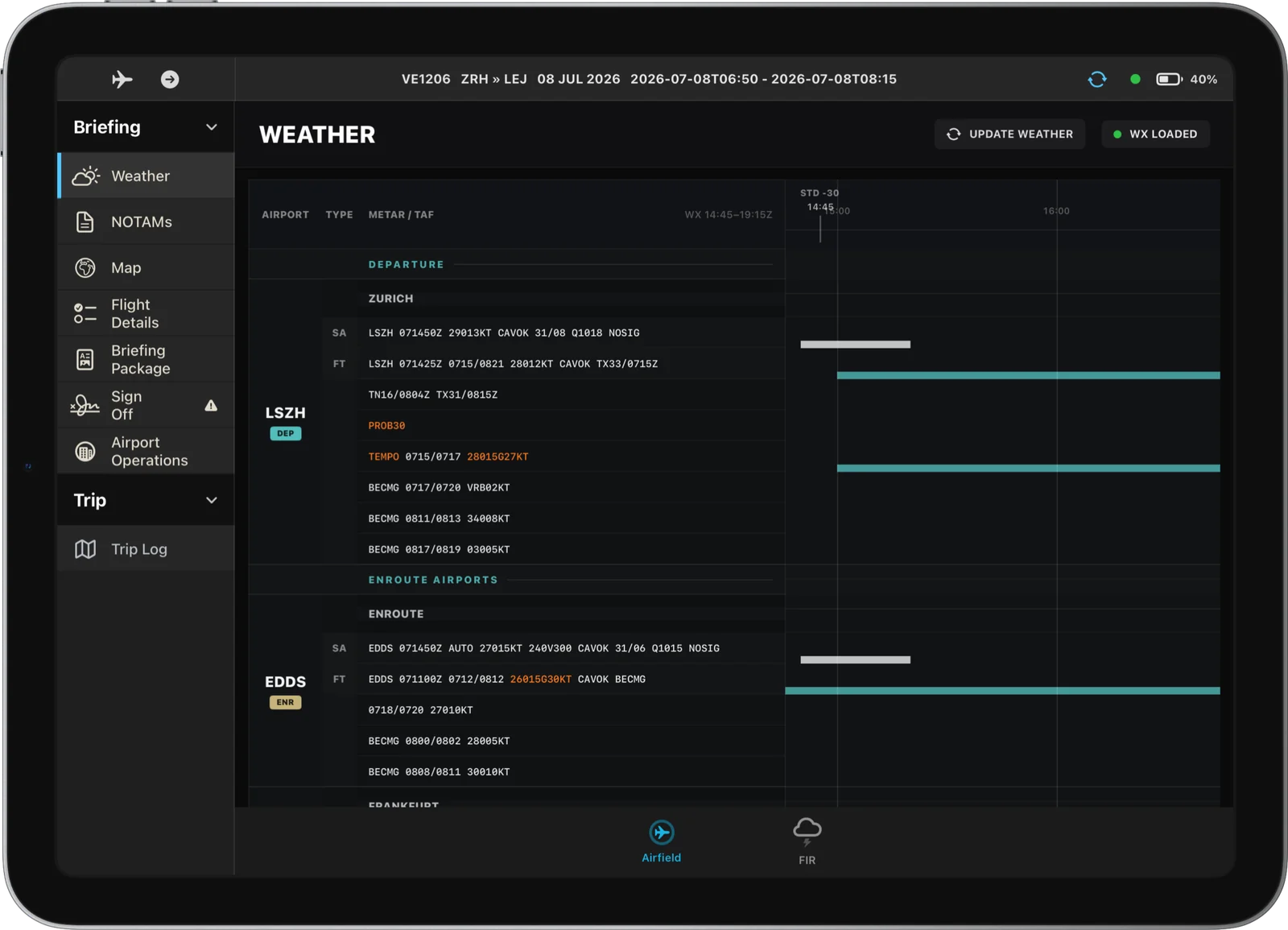
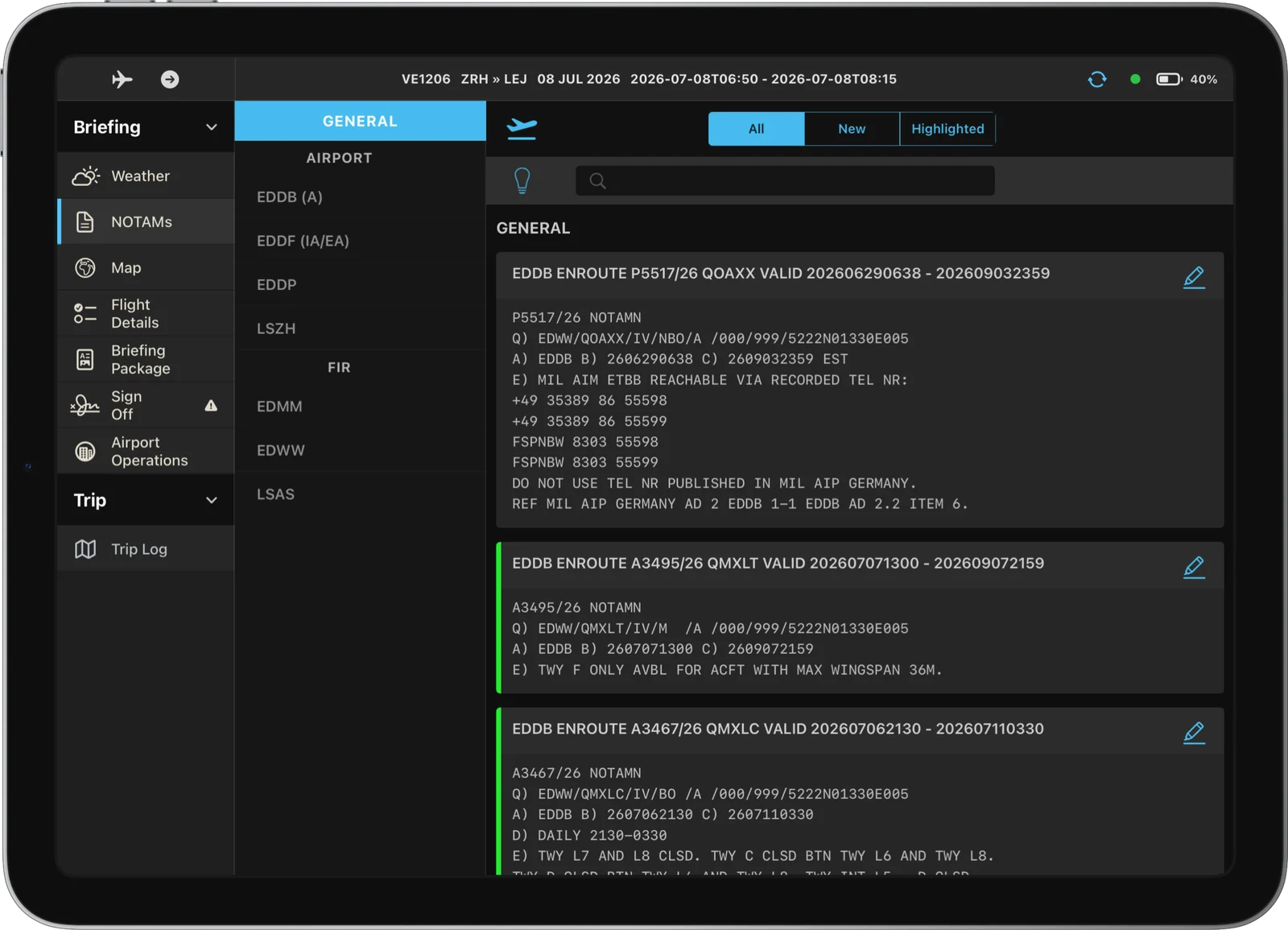
METARs and TAFs on a timeline for departure, destination and alternates, and NOTAMs you can filter, highlight and bookmark.
- 05
Airport operations board
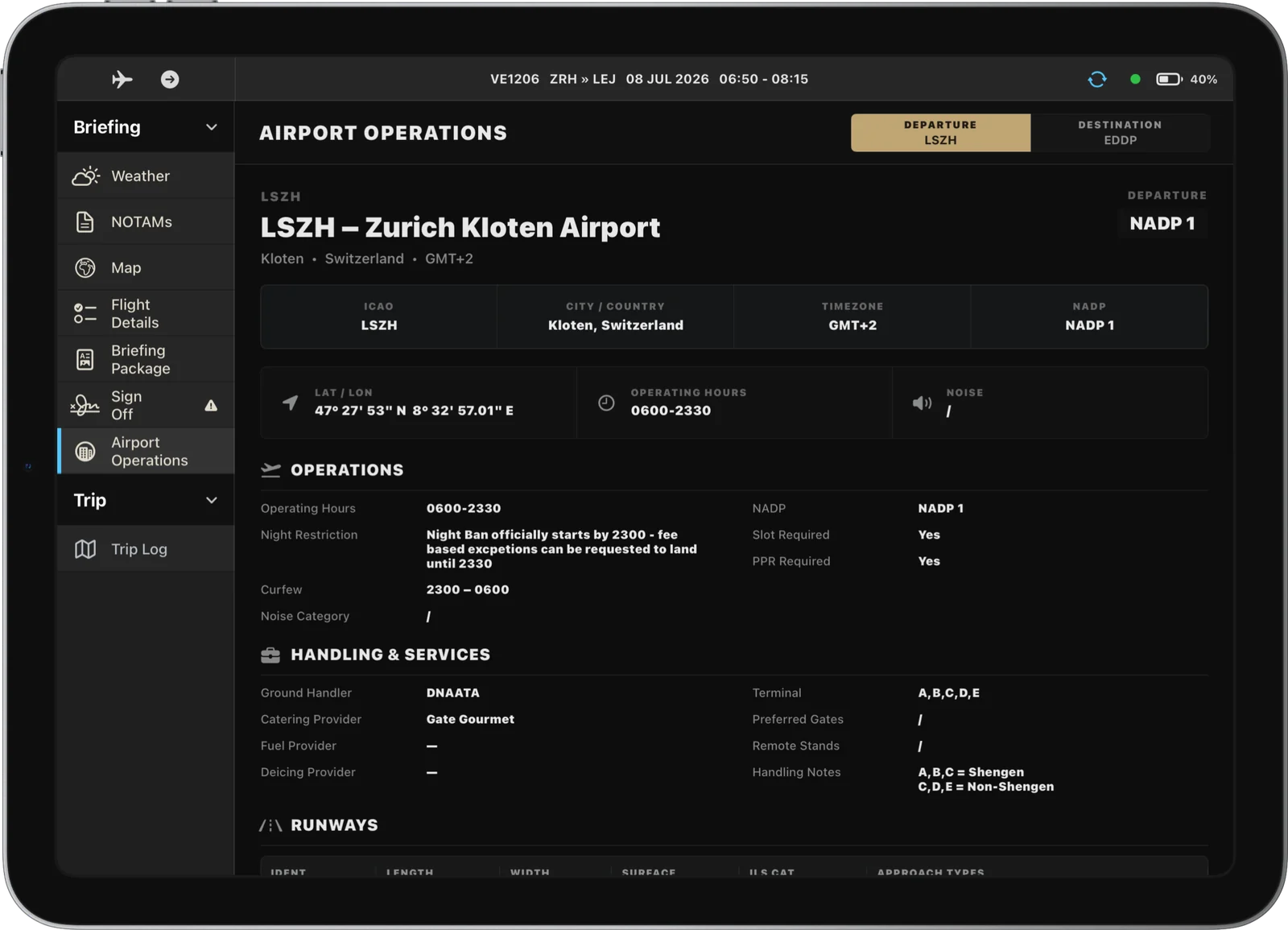
Runways, operating hours, handling, fuel and company notes for every airport of the flight, from VELA’s own airport database.
- 06
Live map and vertical profile
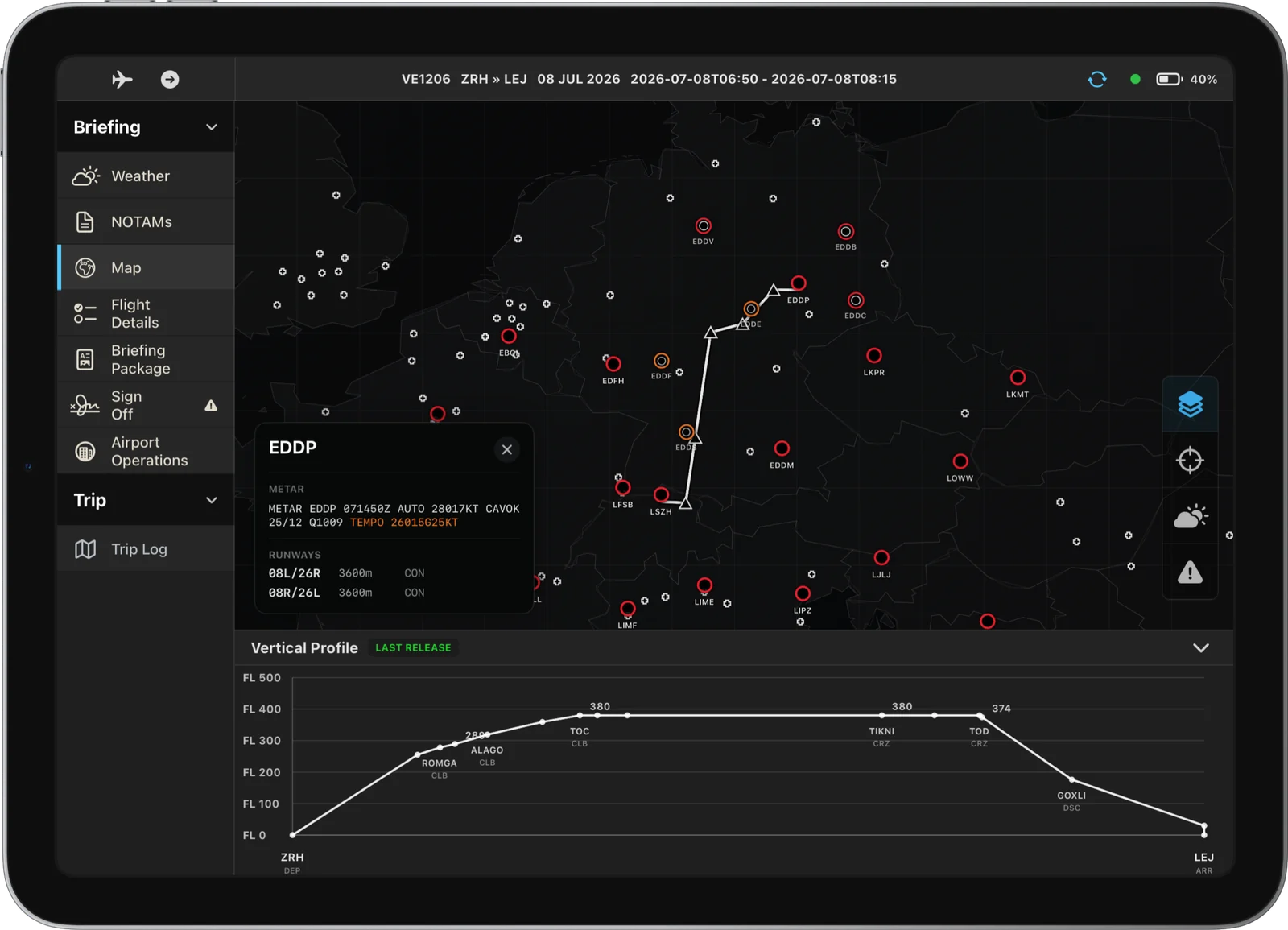
Your route on a moving map with weather radar and a vertical profile, and your own aircraft shown live from the ACARS tracker.
- 07
Trip log and sign-off
Off-block, take-off, landing and on-block times, fuel figures and the sign-off at the end of the flight.
- 08
Closing the flight
The finished flight is archived with its times and fuel, appears in your logbook and feeds the fuel calibration of dispatch.
Screens
Inside vIFM
One platform
vIFM works with
The apps share one crew login and one database, so what you do in one reaches the others.
VELA ACARS Tracker
Streams your live flight from the simulator to vIFM, VELA Charts and operations, for Microsoft Flight Simulator and X-Plane.
- Windows

VELA Charts
Ground, departure, arrival and approach charts for every VELA airport, with an airport moving map that shows your own aircraft.
- iPad

VELA TakeOff
Runway- and weight-based takeoff calculations for the fleet, with engine-out procedures and acceleration altitudes for every VELA airport.
- iPad
Crew Access
Roster, check-in, bids, mail, training and safety reporting: the crew intranet every VELA pilot starts the day with.
- Web